How to Manage Multiple WordPress Sites
Why doing it site by site stops working at around five sites, the three ways to manage a portfolio, and a workflow that scales.
WPCentrify lets you manage multiple WordPress sites from one dashboard. It is a hosted WordPress management tool for business owners, freelancers and agencies: update plugins, themes and core safely, keep restorable backups, watch uptime and security, and send client reports, without logging into each site.


WordPress website management, also called WordPress site management, is the ongoing work that keeps a WordPress site safe, online and up to date: updating core, plugins and themes, keeping backups you can restore, watching uptime, security and speed, and reporting the work to whoever pays for it.
It matters because WordPress is everywhere and changes constantly: it runs about 40 percent of all websites, according to W3Techs, and the WordPress.org plugin directory alone lists over 75,000 free plugins, each updated on its own schedule.
A WordPress management platform does that work for many sites at once. It connects your sites to one dashboard, pushes updates to them together, monitors security and performance, automates routine maintenance and backs up site data. People also call it a WordPress management tool, WordPress management software or WordPress maintenance software. If you look after more than a few sites, it is the practical way of managing multiple WordPress websites without opening each wp-admin.
WPCentrify is a platform you use, not an agency you hire, and your sites stay with their current host. Each site connects through its own WPCentrify plugin, which is different from WordPress Multisite, where several sites share one installation. If you are deciding between the two, compare Multisite, a self-hosted plugin and a hosted platform.
What WordPress website management covers
You install the WPCentrify plugin on each WordPress site, connect it to your dashboard, and manage everything from there. Nothing moves: there is no DNS change, no new host and no administrator password to hand over.
How WPCentrify connects to your WordPress sites
Install the plugin and connect it to your dashboard. It runs on any self-hosted WordPress site, on any host. Read how the connection is secured.
Choose which updates run on their own, when backups run and who receives email alerts, then let the dashboard apply it to every site.
Handle the routine for every site from one screen, and open any site's wp-admin with WordPress one-click login when you do need it.
The WordPress management dashboard lists every connected site with its health, pending updates, backups, uptime and security status, and brings the sites that need you to the top. It replaces a browser full of wp-admin tabs with one screen you can scan in a minute.

Check every update and keep a way back. WPCentrify scores each pending update for risk, keeps a restore point, applies the update and checks the site. If a plugin or theme update causes a PHP fatal error, a server error or a visual break, it is rolled back automatically and you get an email. A WordPress core update gets a restore point first, but it is not rolled back automatically.
Select one update or a hundred and bulk update WordPress plugins, themes and core across every site at once. Rules for WordPress maintenance automation can run routine updates on a schedule, so you only handle the exceptions.
WordPress itself already puts back a plugin or theme whose update fails to install, and rolls back a plugin auto-update that causes a fatal error. WPCentrify adds the restore point before the update, checks on your pages after it, and visual regression testing for the page that loads but looks broken. Our guide to WordPress automatic updates covers what WordPress does on its own.

What happens to every update
WPCentrify backs up each site on a schedule to encrypted, off-site storage and keeps a restore point before updates. You can restore a site from the dashboard in one click, or download a full copy whenever you want one.
WordPress backup and restore How to back up a WordPress site

WPCentrify checks every site as often as every 60 seconds from three locations, in Canada, Malaysia and the USA, and emails you only when locations on different providers agree that a site is down. Sentinel, the security module, gives each site a plain-English verdict and a score out of 100.
WordPress uptime monitoring also watches SSL certificates and domain expiry. WordPress security monitoring with Sentinel puts each site on one scale from Safe to Hacked, with the steps to fix what it finds, and plugin vulnerability monitoring tells you which sites run a vulnerable version. WordPress performance monitoring tracks PageSpeed and Core Web Vitals, so you can see when an update made a page slower. Our guide to monitoring a WordPress site covers what to check and how often.
Most of the risk sits in plugins: Patchstack found that 91 percent of the 11,334 new WordPress vulnerabilities recorded in 2025 were in plugins, and only 6 were in WordPress core. That is why the WordPress vulnerability scanner in WPCentrify checks every installed plugin and theme version against known security holes.

How an uptime alert is decided
Two good checks in a row close the incident and send an all-clear email.
WPCentrify sends each client a scheduled report of the updates, backups, uptime and security work on their site, in plain language. Team members get roles instead of WordPress passwords, with 3 seats on Studio, 10 on Agency and 25 on Scale. White label is included on Scale and is a $19 a month add-on on Solo, Studio and Agency.

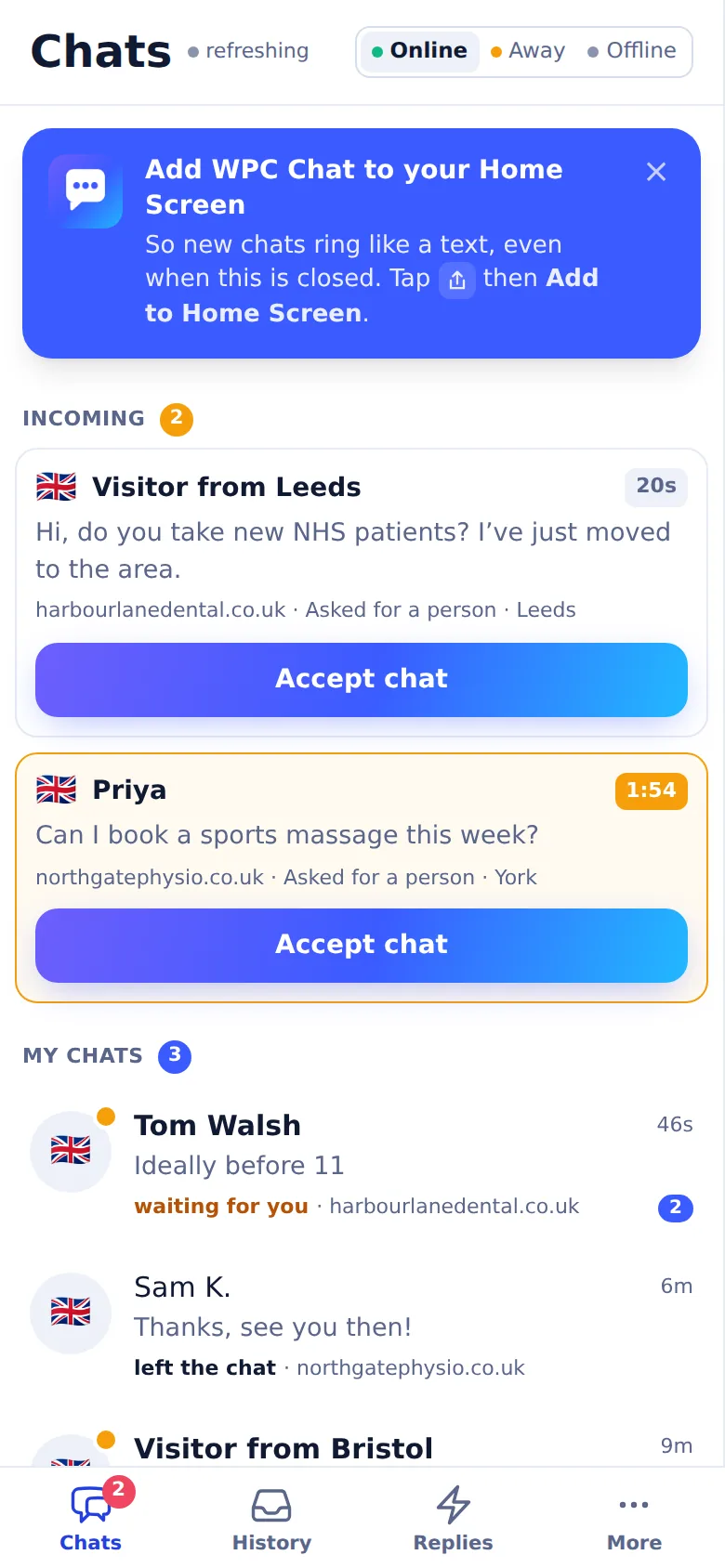
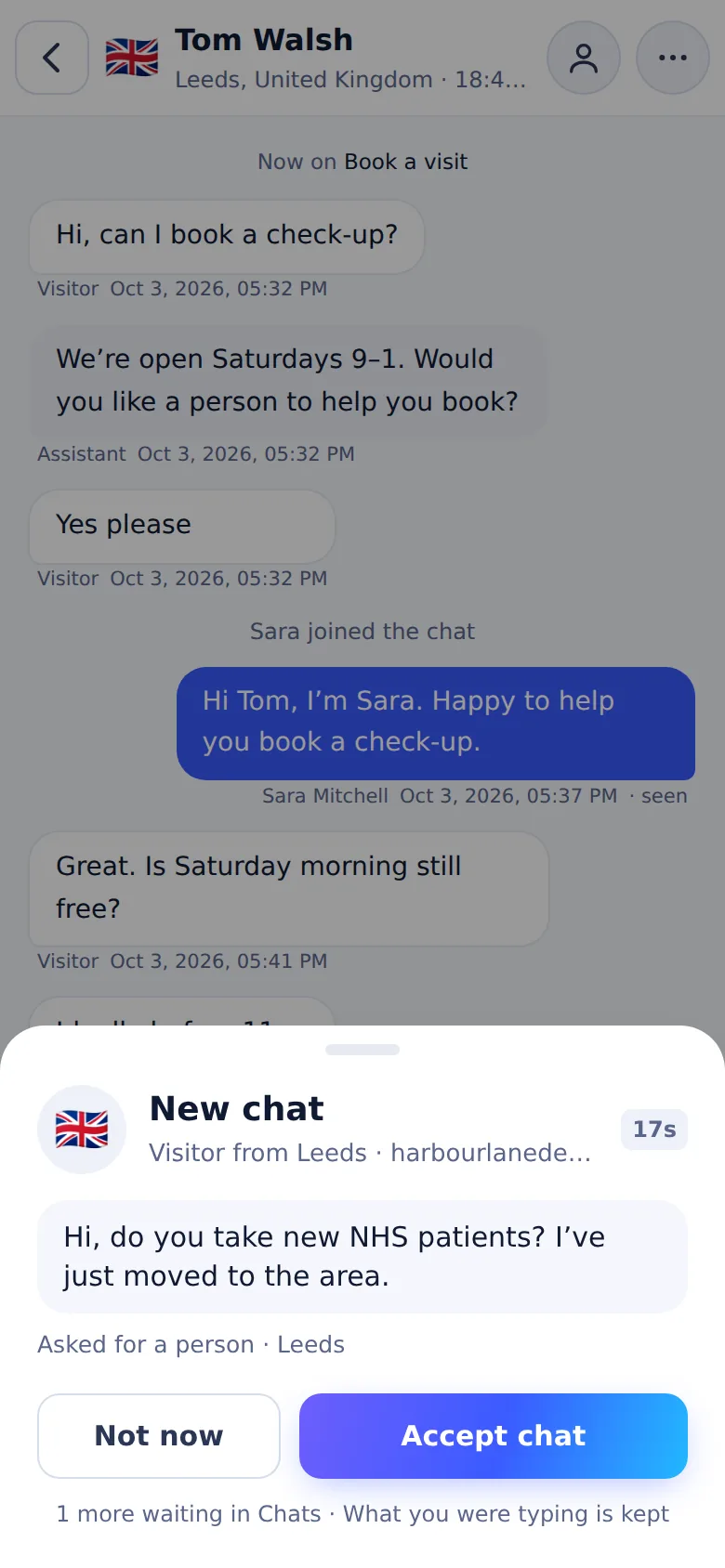
Live chat is now part of WPCentrify. The plugin your sites already run adds it, every site keeps its own look and hours, and your team answers all of them from one desk, at a laptop or on a phone.
WPCentrify audits every site you manage, fixes what stops Google reading it, writes titles, descriptions and alt text with AI, and shows where each site ranks on Google, on Google Maps and in AI answers from Google AI Overviews and ChatGPT. Fourteen AI and SEO tools, in the same dashboard, beside the SEO plugin each site already runs.
Three checked options per page.
Written from the image and its page.
Plans built from what ranks today.
Cited by Google AI Overviews and ChatGPT.
Refuse training bots, keep AI search.
A score and the fixes, for every site.
Fix links in place, with a redirect or AI.
Suggestions you approve, and orphan pages.
Every site, with the pages to fix first.
Google rankings by city, daily or weekly.
Google Maps across a grid, and reviews.
Searches, difficulty and intent.
The searches competitors win.
Links won, lost and spammy.
The SEO toolkit and Search Growth come with Studio and up, or as add-ons on Solo; AI writing and search data checks use AI credit. See all AI and SEO tools
Most of what you do in wp-admin, WPCentrify does for every site you manage from one place. Each tool has its own page, and most have a guide.
WPCentrify reads the pages of every site you connect, so you can fix SEO, change wording and move URLs without logging in to each WordPress.

Every post and page on every site in one searchable list, with author, status, dates and the real permalink.
Edit meta titles, descriptions, social cards and schema, and WPCentrify writes them into the SEO plugin each site already runs, such as Yoast or Rank Math.
Guide: What are SEO tags in WordPress?Change a word or phrase across a whole site, page builders and SEO fields included, with a preview before and an undo after.
Guide: How to find and replace text in WordPressMove any page to a new URL and WPCentrify leaves the redirect behind automatically, so old links and search results still work.
Reorder, nest and edit any site's navigation menus and set theme locations without opening wp-admin.
Guide: What goes wrong with WordPress menus on 30+ sitesWith WPCentrify each site can answer its visitors, capture their enquiries and count their visits, and all of it comes back to the same dashboard.

Will answer visitors only from the website's own pages, link the page each answer came from, and say it does not know rather than guessing.
Every enquiry lands in one list. WPCentrify's own spam rules set junk aside and show their reasons; no third-party service or AI model is asked.
Guide: How to stop WordPress contact form spam without losing leadsTurn on a consent banner, block trackers until a visitor agrees, and keep a record of every choice, on one site or all of them.
Guide: Fixing cookie consent on 30+ WordPress sitesVisitors, page views, sessions and traffic sources for every site, counted without cookies and comparable with Google Analytics.
Guide: How to check website traffic on WordPressWPCentrify takes the admin you would otherwise do site by site: WordPress users, sign-ins, code, the change log and page speed.

Create, edit, re-role and remove WordPress users on any site, or add one account to your whole portfolio at once.
Guide: WordPress user roles and permissions, explainedOpen any site's wp-admin in one click. No shared passwords, a role you set per person, and one click to end someone's access everywhere.
WPCentrify records every change on every site, who made it, when and whether it worked, ready to search or export.
Guide: How to track user activity in WordPressAdd tracking tags, CSS or scripts to one site or forty without another plugin, and see what each site already runs before you add more.
Core Web Vitals, PageSpeed and response time for every site, so you can see which one got slower after an update.
Guide: How to improve Core Web Vitals on WordPressEmail alerts work today, and a REST API and webhooks are planned: WPCentrify integrations.See all WordPress management features
WPCentrify is used by anyone responsible for more than one WordPress site: business owners, freelancers, agencies, in-house teams and WooCommerce store owners. The WordPress management platform is the same for everyone; what changes is the work you lean on.
Keep your company websites updated, backed up and online without a developer on call.
For business ownersLook after client sites without hiring, and show the work in a monthly report.
For freelancersDeliver WordPress care plans at scale with team roles, client reports and white label.
For agenciesManage multiple WooCommerce stores with update checks, backups and uptime alerts in one place.
For WooCommerce storesSelling maintenance? Start with what to include in WordPress care plans and the free care plan pricing calculator.
WPCentrify is a hosted dashboard with four paid plans, and the price per website falls as you grow. ManageWP is also hosted, with a free monthly backup and per-site add-ons for hourly backups, Safe Updates and other premium features. MainWP is a plugin you host and secure yourself, and WP Umbrella is hosted and priced per site. Each comparison page lists its sources and the date they were checked.
Hosted, owned by GoDaddy, with a free monthly backup and paid per-site add-ons for hourly backups, Safe Updates and white label.
WPCentrify vs ManageWPOpen source with a free core, but you run the dashboard on your own WordPress install.
WPCentrify vs MainWPHosted and priced per site per month, with paid add-ons for some features.
WPCentrify vs WP UmbrellaFacts about other products come from each vendor's own website, with the date we checked them. Read how we research comparisons, see every comparison, or read our round-up of the best WordPress management tools.
Yes, and you can check how. Each site connects through the WPCentrify plugin with its own scoped key, never your administrator password, and either side can revoke it. Connections are encrypted, and backups and stored credentials are encrypted with AES-256.
WPCentrify is built by Usman Naim, founder and CEO, who has spent more than six years maintaining, securing and growing WordPress websites for businesses, and a small team. What has shipped is in the changelog, what is coming is on the roadmap, and the company is described on the about page.
We publish no testimonials, logos, ratings or outcome figures until we can show how they were measured. Here is how we will report customer outcomes.
WPCentrify has four paid plans: Solo for 5 websites, Studio for 25, Agency for 100 and Scale for 300, billed monthly in US dollars, with prices to be revealed soon. The Free plan watches one website's uptime at no cost.
To be revealed
To be revealed
To be revealed
To be revealed
$0 · Uptime monitoring for one website, checked every 5 minutes, with email alerts, two-factor login and the dashboard themes. No card needed.

Start with the three in-depth guides on running many sites, keeping them maintained and selling care plans, then the practical posts on updates, backups, uptime, security and pricing.
Why doing it site by site stops working at around five sites, the three ways to manage a portfolio, and a workflow that scales.
What maintenance involves, how often each task matters, what it costs, and what to automate versus what still needs a person.
The tiers, the pricing arithmetic, what to exclude, and how to report so clients renew. For anyone who maintains sites for clients.
Weekly, monthly, quarterly and annual tasks, with what to automate and what genuinely needs a person.
Ten tools for managing multiple WordPress sites, compared on update safety, backups, monitoring and reporting.
Nine uptime tools compared on free plans, check intervals, multi-location confirmation, alerts and price.
Pricing bands, the three pricing models that work, and how to set a care plan price you can defend.
Contain, assess, clean up and close the door, in that order, plus the conversation with your client.
Choosing the restore point, why files and the database are separate problems, and what to check after a restore.
Get access back, find the plugin that caused it, roll back its version and stop it happening again.
Nine ManageWP alternatives compared on hosting model and how each one handles updates.
Short answers to what people ask before they connect their first site.
WPCentrify is a hosted WordPress management platform. It connects every WordPress site you are responsible for to one dashboard, where you run updates, keep backups, watch uptime and security, and report the work to clients. It is built for business owners, freelancers and agencies, and it works with any host.
Both parts work together. A small WPCentrify plugin runs on each WordPress site, and the dashboard is hosted by WPCentrify, so there is no server for you to set up or maintain. Each site connects with its own scoped key, and routine maintenance runs through the WordPress REST API.
ManageWP and WP Umbrella are hosted dashboards too. ManageWP includes a monthly backup on its free plan and sells hourly backups, Safe Updates and other premium features as per-site add-ons. MainWP is a plugin you install, host and secure yourself. WPCentrify is hosted, priced by plan with the cost per website falling as you grow, and rolls back a plugin or theme update automatically when it causes a PHP fatal error, a server error or a visual break.
Yes. Any self-hosted WordPress site can connect, wherever it is hosted: managed WordPress hosting, shared hosting with cPanel, a cloud server or your own VPS. Nothing moves and there is no DNS change, so one portfolio can span as many hosts as you use.
WPCentrify checks the site straight after each plugin or theme update. If the update causes a PHP fatal error, a server error or a visual break, it is rolled back automatically and you get an email saying what happened. You can also put a recent update back yourself from the dashboard. A WordPress core update gets a restore point first, but it is not rolled back automatically, so you restore from that restore point if one goes wrong.
Not for routine management. Updates, backups and other maintenance run through the WordPress REST API, and uptime checks run from outside the site, so visitors load nothing extra. Optional visitor-facing features, such as traffic analytics, live chat, the Guided Chat and the cookie consent banner, add a small script when you switch them on.
Yes. Each team member gets a role with permissions per area, such as viewing sites, running updates or managing backups, and nobody needs a WordPress admin password. Clients can receive reports without seeing the rest of your portfolio, and every action is recorded in the activity log.
Yes. You can download a full copy of any backup, and export activity logs and form submissions as CSV files, from the dashboard at any time.
No. WordPress Multisite runs several sites from one WordPress installation. WPCentrify is a hosted dashboard that connects many separate WordPress sites, each with its own installation and host, through a plugin on each site.
Updates that check themselves and roll back when they break a site, backups stored away from the site that you can actually restore, uptime checked from more than one location, security monitoring that explains what it finds, and team access without shared passwords. Also check that it works on any host and lets you export your data. WPCentrify covers all of these from one dashboard.
Yes. A WooCommerce store connects like any other WordPress site and gets safe updates with automatic rollback, backups, uptime monitoring and security monitoring. Order edits made in wp-admin are recorded in the activity log, and one-click login can open a store's WooCommerce orders screen directly.
Yes. WPCentrify has a Free plan that watches one website's uptime, checked every 5 minutes with email alerts, with no credit card. You connect it with MarQira Uptime Monitor, our free plugin on WordPress.org. Paid plans start with Solo for 5 websites and add updates, backups, security and reports. When you compare free tools, check whether the dashboard is hosted for you or is one you must install and secure yourself, and which features cost extra.
Yes. WPCentrify includes an SEO audit for every site, AI-written titles, meta descriptions and alt text, a broken link checker, internal linking, AI crawler control and Google Search Console in one place, plus rank tracking by city, map rankings, keyword research, the keyword gap, backlink monitoring and AI search visibility. It works beside the SEO plugin each site already runs.
Apply for early access, connect your first site and see its updates, backups, uptime and security in one place.